
Motion Transfer01
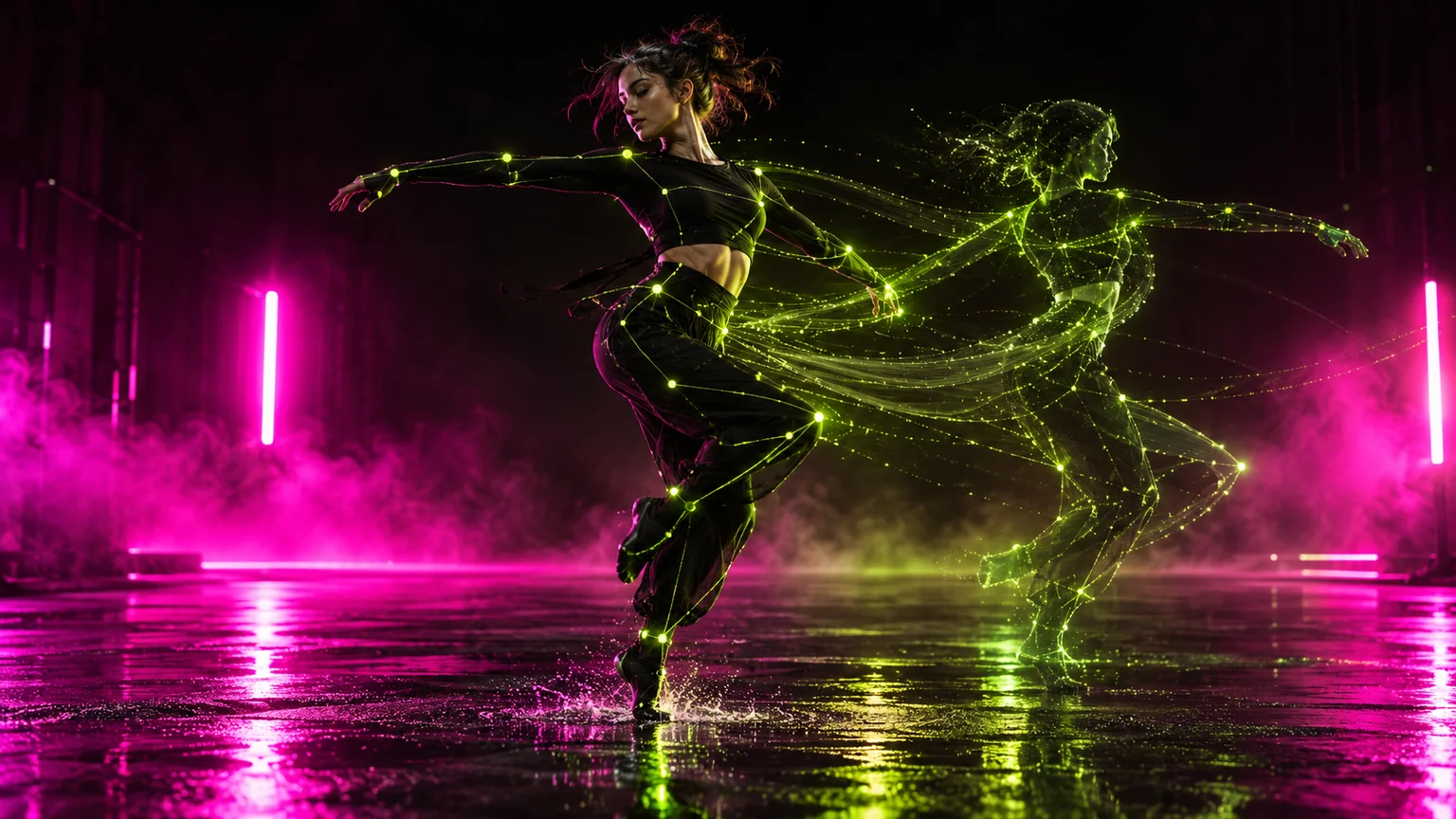
Motion Transfer
Keep the movement. Replace everything performing it.
ExploreRecast any motion with your characters, locations and products or swap specific elements and keep the rest
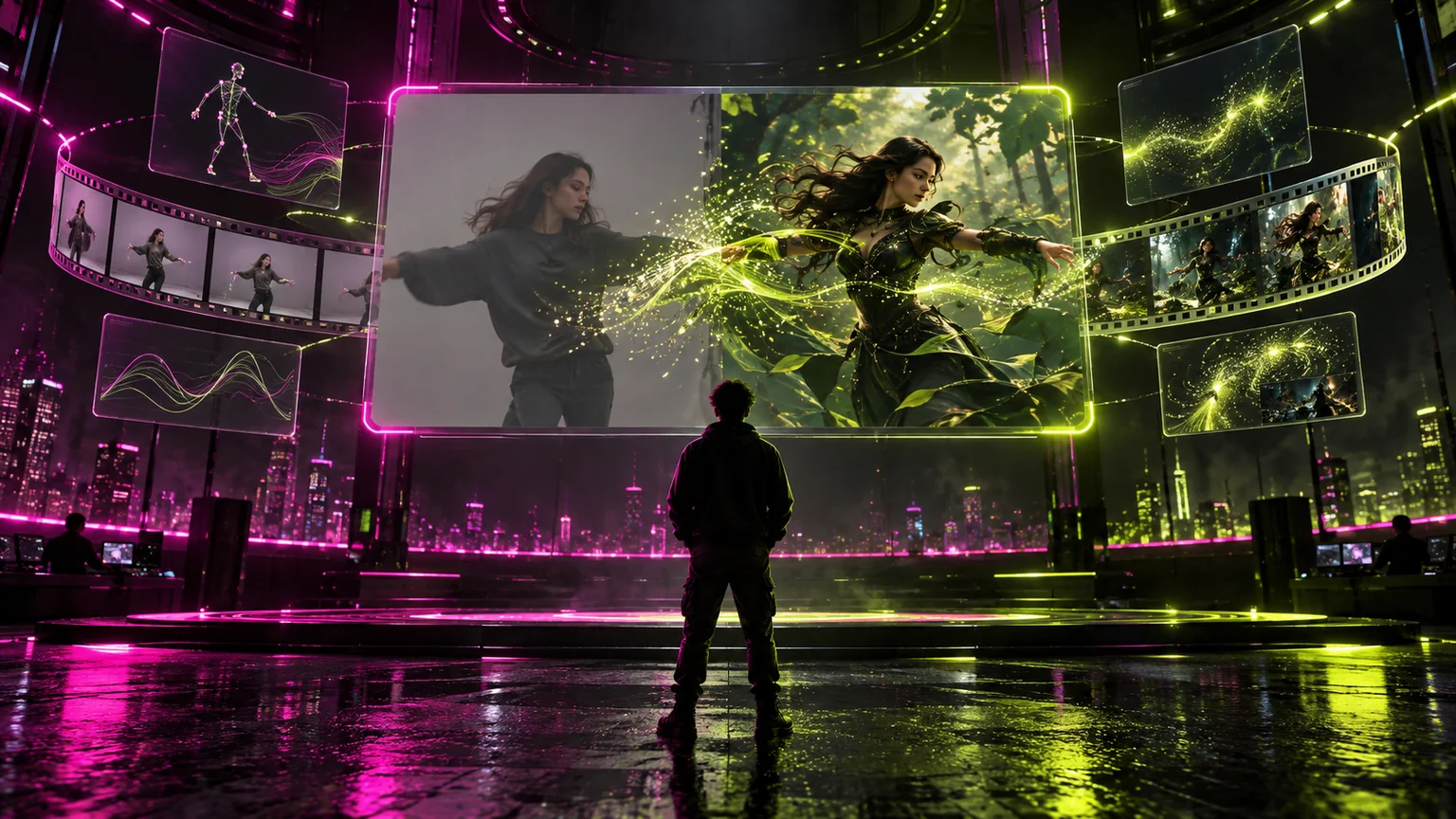
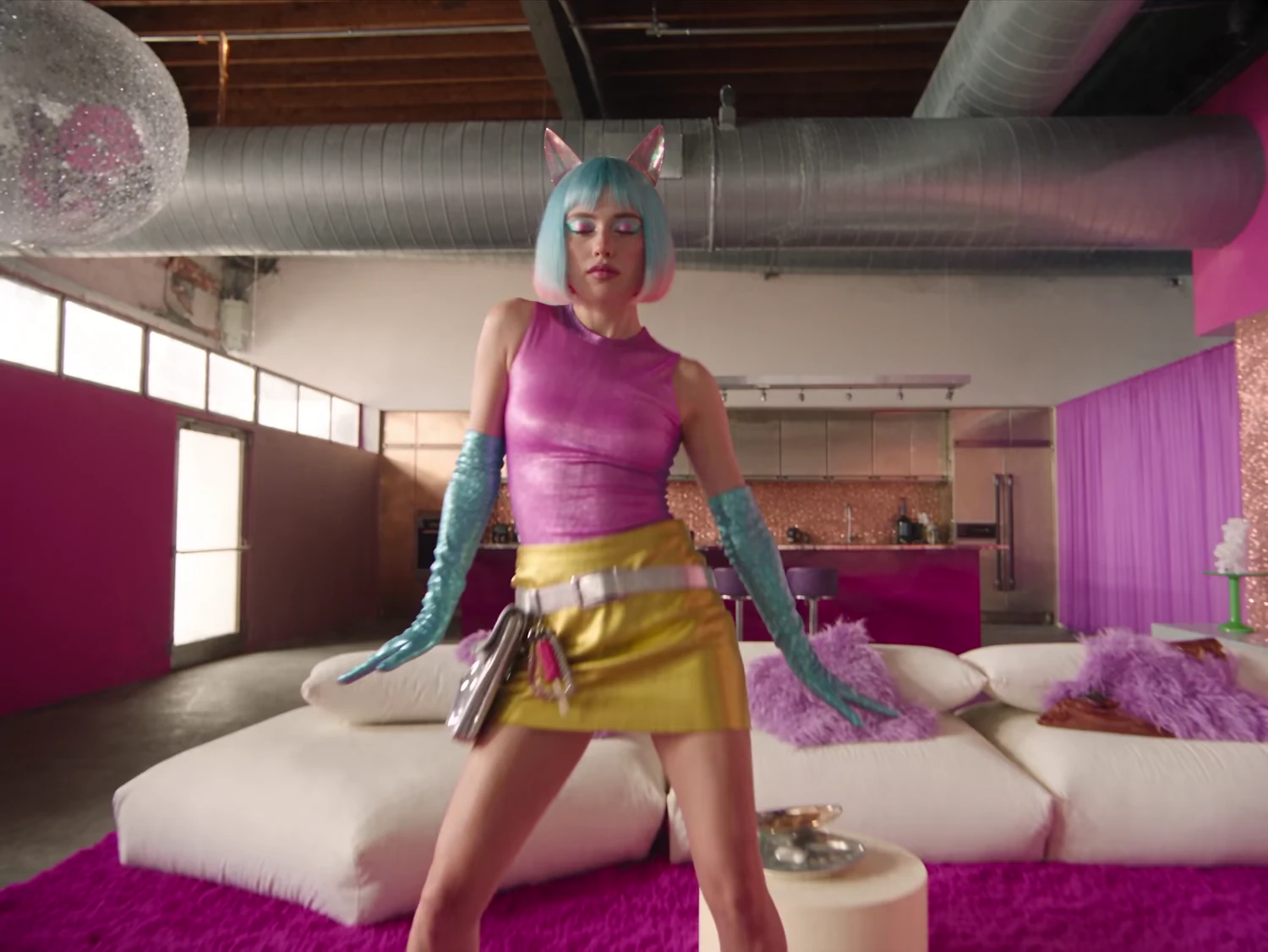
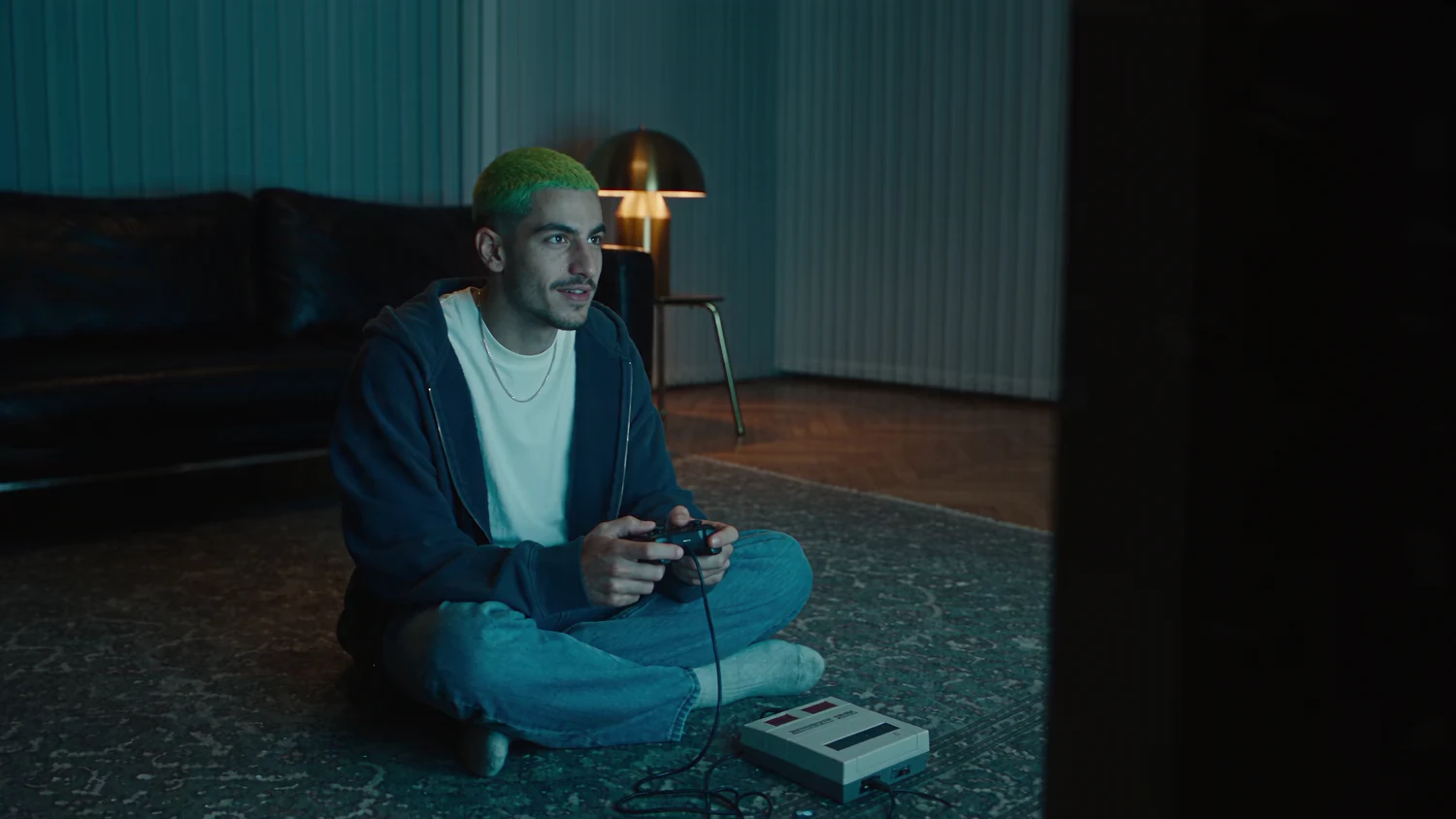
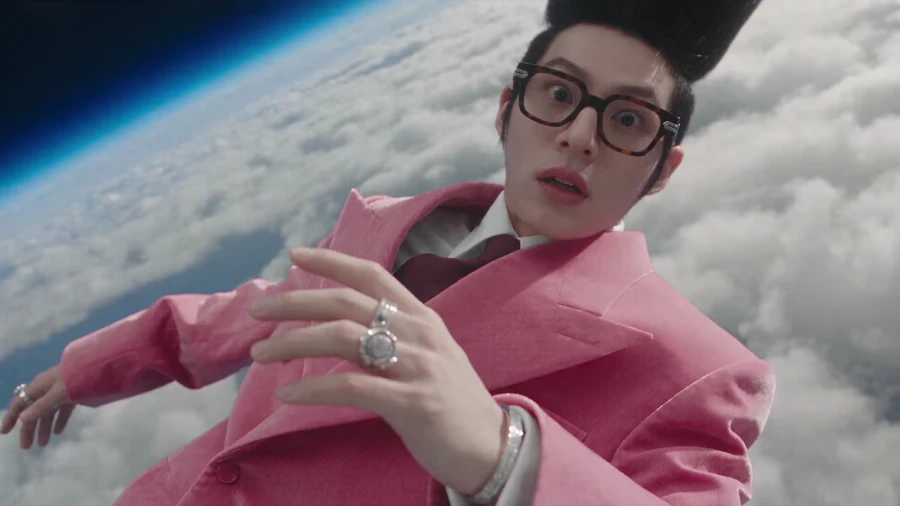

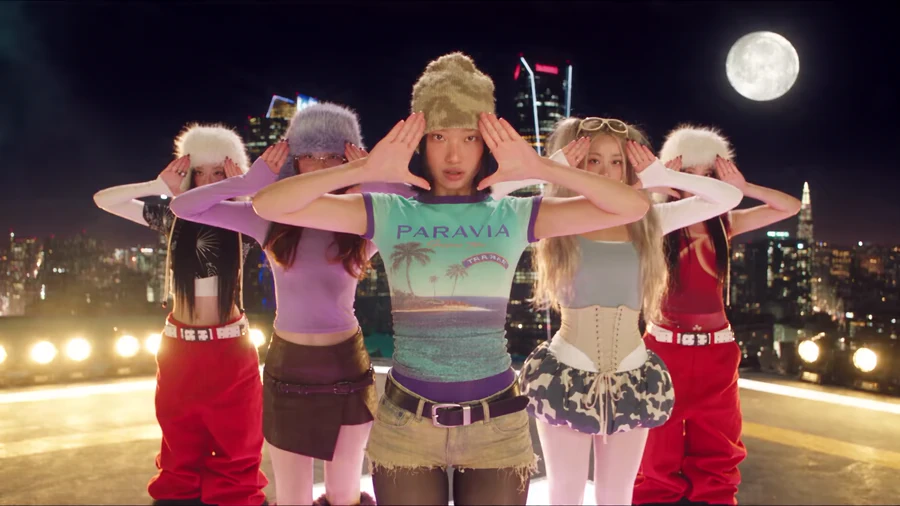

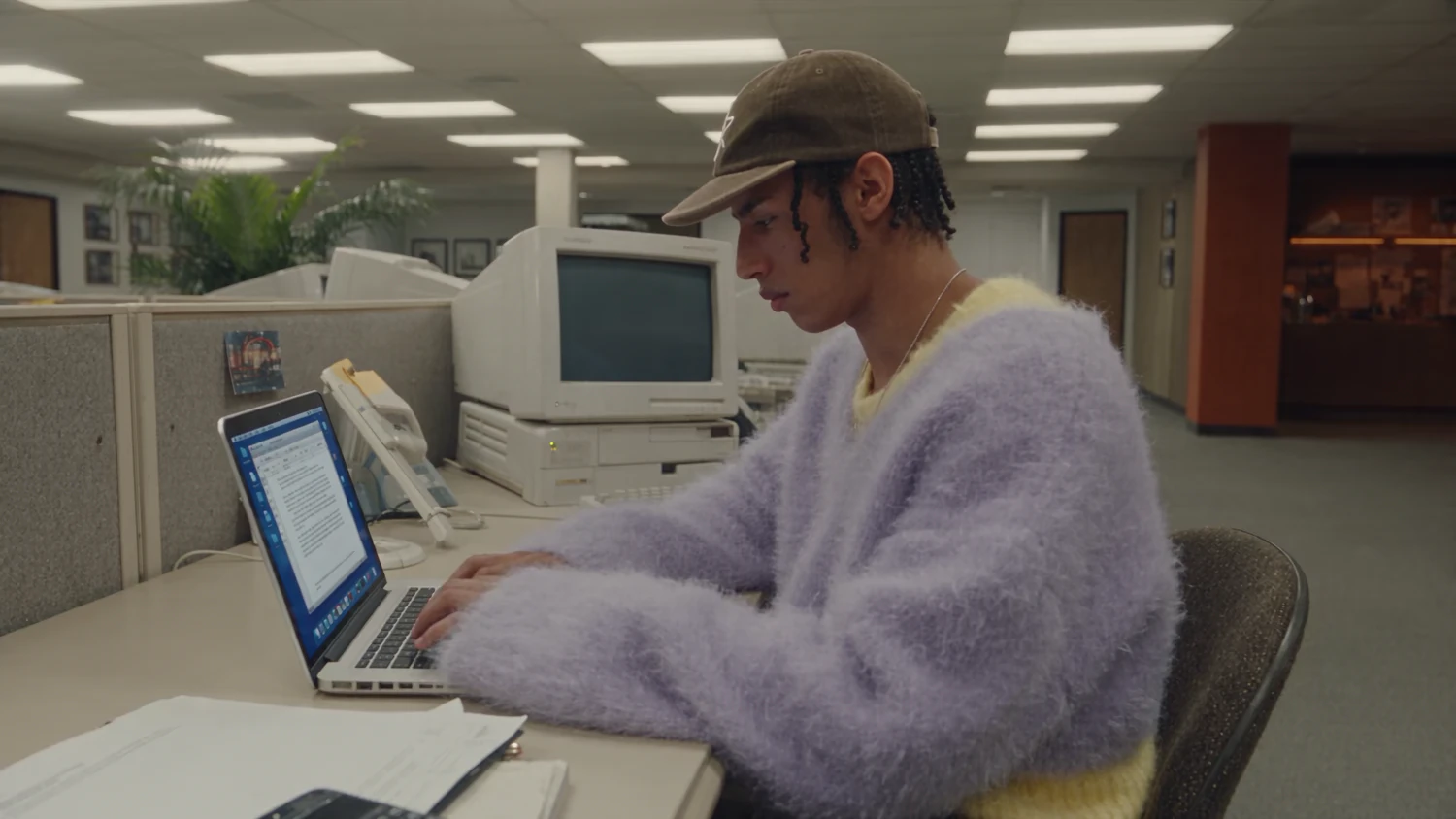
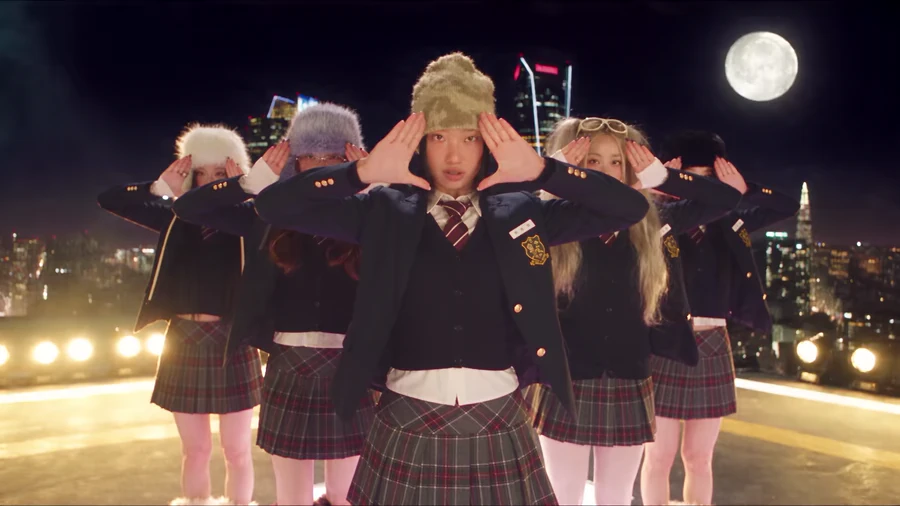

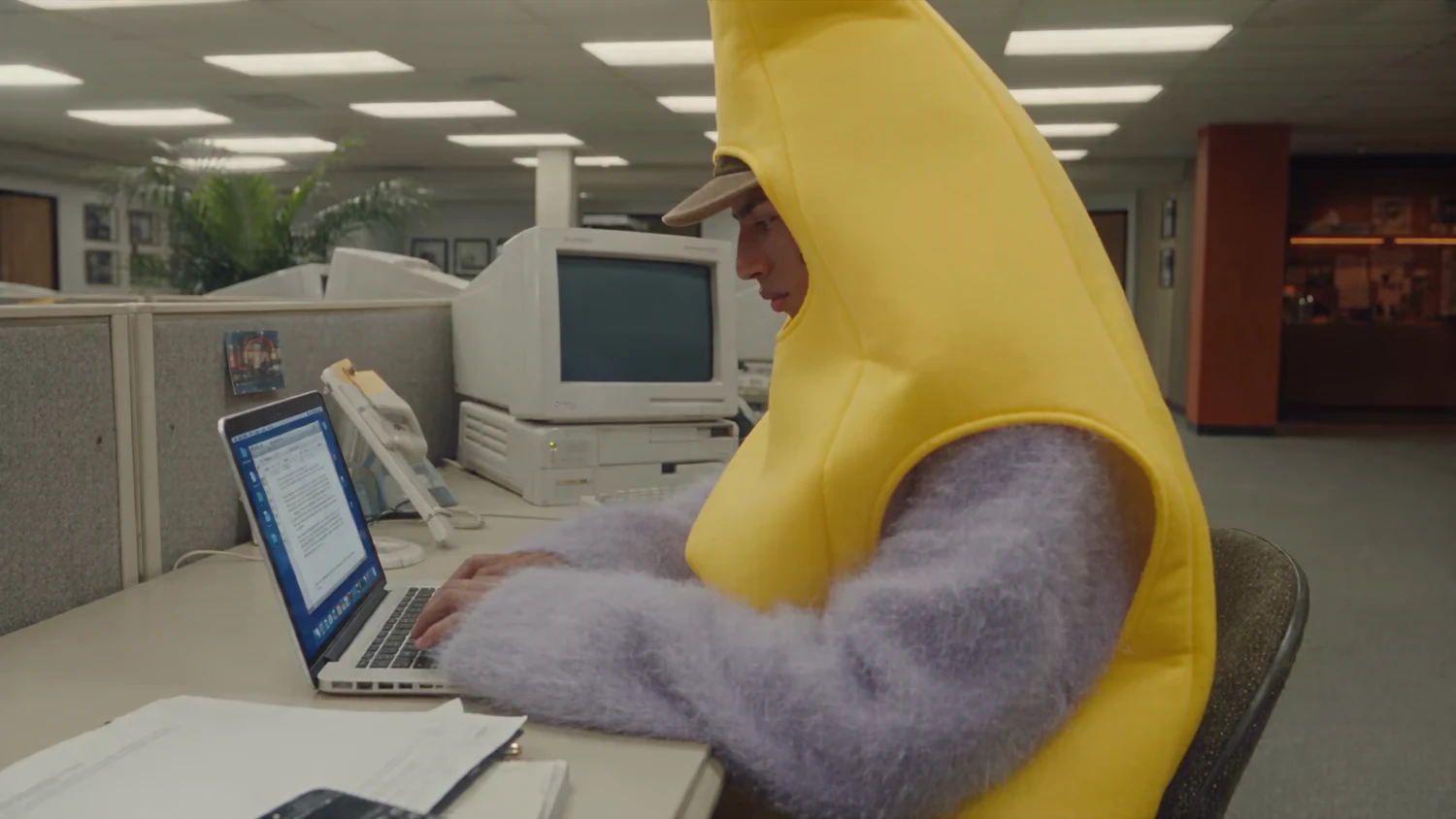

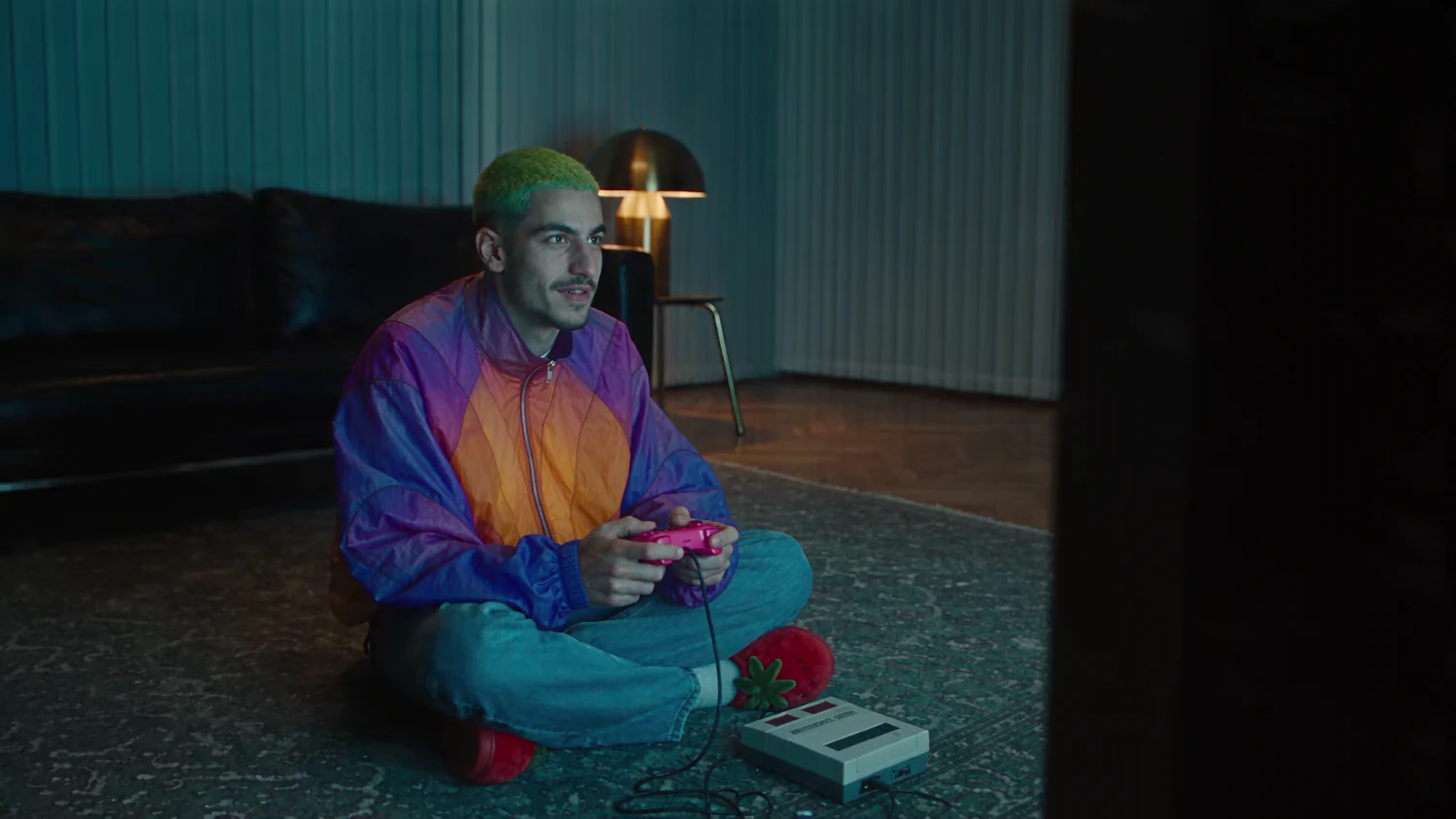

WHAT IT'S FOR
One motion source becomes a campaign, a character, a product launch or an entirely different world. Keep the performance, change the reality.
Keep the movement. Replace everything performing it.
Explore
Change one product, outfit or prop without touching the rest.
Explore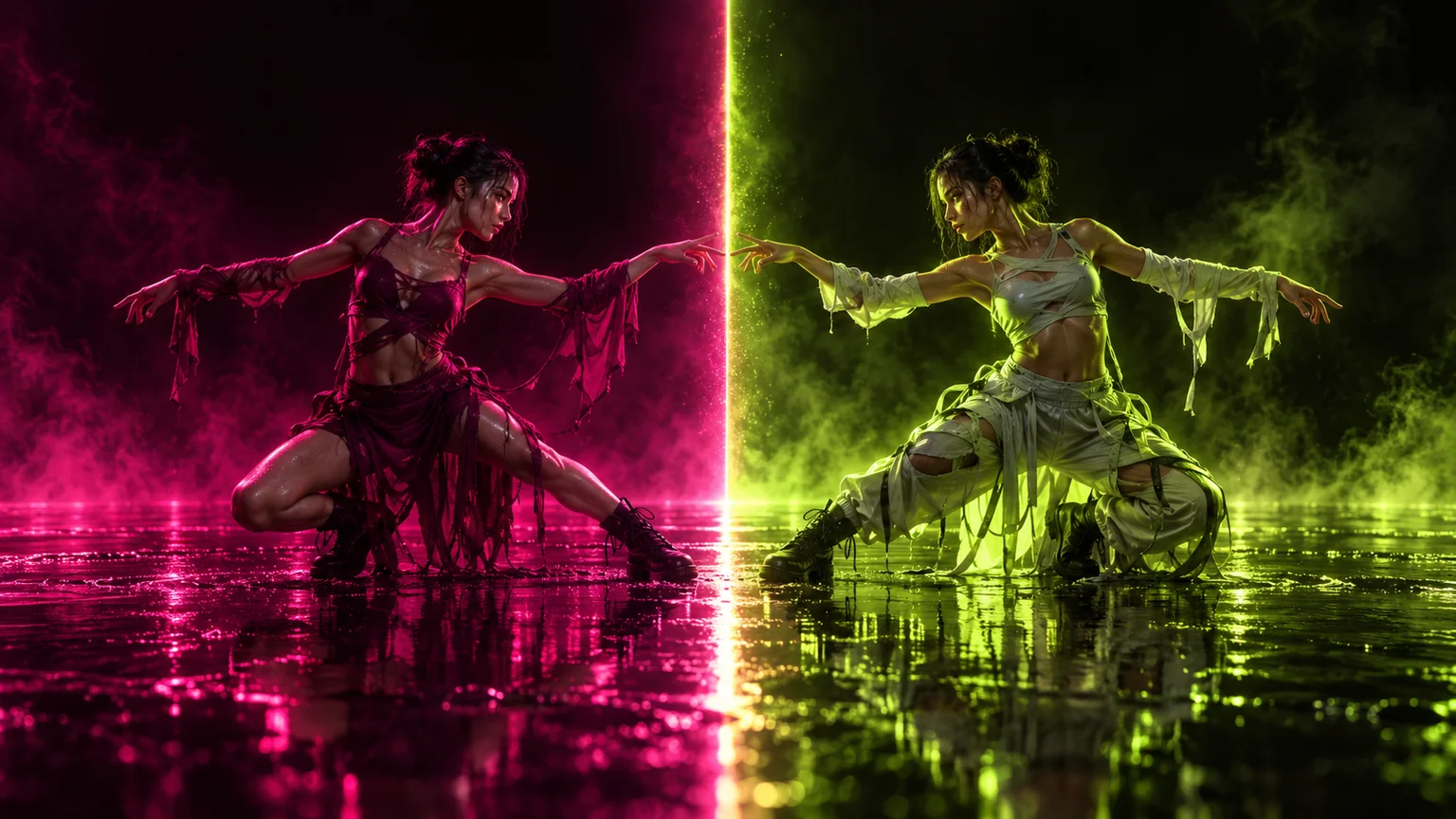
Put your character into any reference performance.
Explore
Keep the take and rebuild the location around it.
ExploreHOW IT WORKS
The movement and camera stay exactly as filmed.
Everything performing it is yours.
CLOSER LOOK
Upload one reference video. Shape everything else with your own characters, locations, wardrobe and objects.

MOTION CONTROL
The motion, camera, and timing stay the same. Everything else is rebuilt from your references — a new cast, a new set, a new look.
CONSISTENT CAST
Shoot on your phone. Genjutsu does the production: wardrobe, set, grade — even when the take, location and lighting change.
SIDE BY SIDE
Drag the handle to compare the original and the new version. The motion and cuts stay in sync; only the scene changes.
Drag to revealPROMPT & RESULT
Say what should be different — a person, a product, the text — and the rest of the shot stays untouched.
CREATOR STORIES
Join a global creative network where people generate AI videos, share ideas, and inspire each other every day.
I've been using Genjutsu for my creative work for a while now and it's one of the best tools out there. The results speak for themselves, but what made me write this was the support. A question about a render was handled with a transparency and care you rarely see.
I'm a new customer and already enjoying it. I'm making cool videos with my own references, and the workflow is fast enough to keep up with an idea. The support service is excellent too!
Genjutsu has been the most exciting tool I've used since I started editing in 2008. I still can't believe we can upload one take and get a blockbuster alternate reality out the other end. The site can feel overwhelming at times, but in a good way.
As an Indonesian content creator, I honestly feel helped by Genjutsu. The references keep my cast and wardrobe consistent, and the team has built support that actually makes creative experimentation feel possible.
The interface is intuitive and beginner-friendly. Cloud rendering for both motion transfer and object swaps is smooth, and I can finish several versions of a project before lunch.
PRICING
Get access to more generations and priority access to new features.
For first-time AI video creators.
per month, billed monthly
For creators shipping every week.
$23/mo billed annually
For studios and always-on teams.
$59/mo billed annually
Prices exclude VAT and local taxes. Stripe checkout opens directly — no payment-provider chooser. Cancel anytime.
FAQ
We've answered the most frequently asked questions.
Genjutsu lets you transform an existing video in two ways: transfer its motion into a new cast, location or look, or swap selected elements while keeping the rest of the shot intact.
Motion Transfer keeps the motion, camera and timing while rebuilding the scene from your references. Object Swap changes a selected character, outfit, product, location or object while preserving the rest of the original shot.
You can recast characters, change locations, introduce products or wardrobe, or replace individual elements in an existing video using your own references and prompts.
Genjutsu currently supports reference videos from 4–30 seconds, as shown in the generator.
You can add up to 30 reference images for characters, products, wardrobe and other visual elements.
No. Upload your video and references, choose Motion Transfer or Object Swap, describe what you want to change, and generate.
Generations use the standard Genjutsu credit system. Each run shows its credit cost before you generate, so you always know what a render will use.
Yes — what you generate is yours to publish across organic and paid channels, subject to the Genjutsu AI Terms of Service.